Your own TV app. Your name, your logo — no billing system needed.
A branded app for Android TV, Fire TV and Google TV. Your customers sign in with their playlist login; you run everything from your own app panel. Try it free for 30 days.
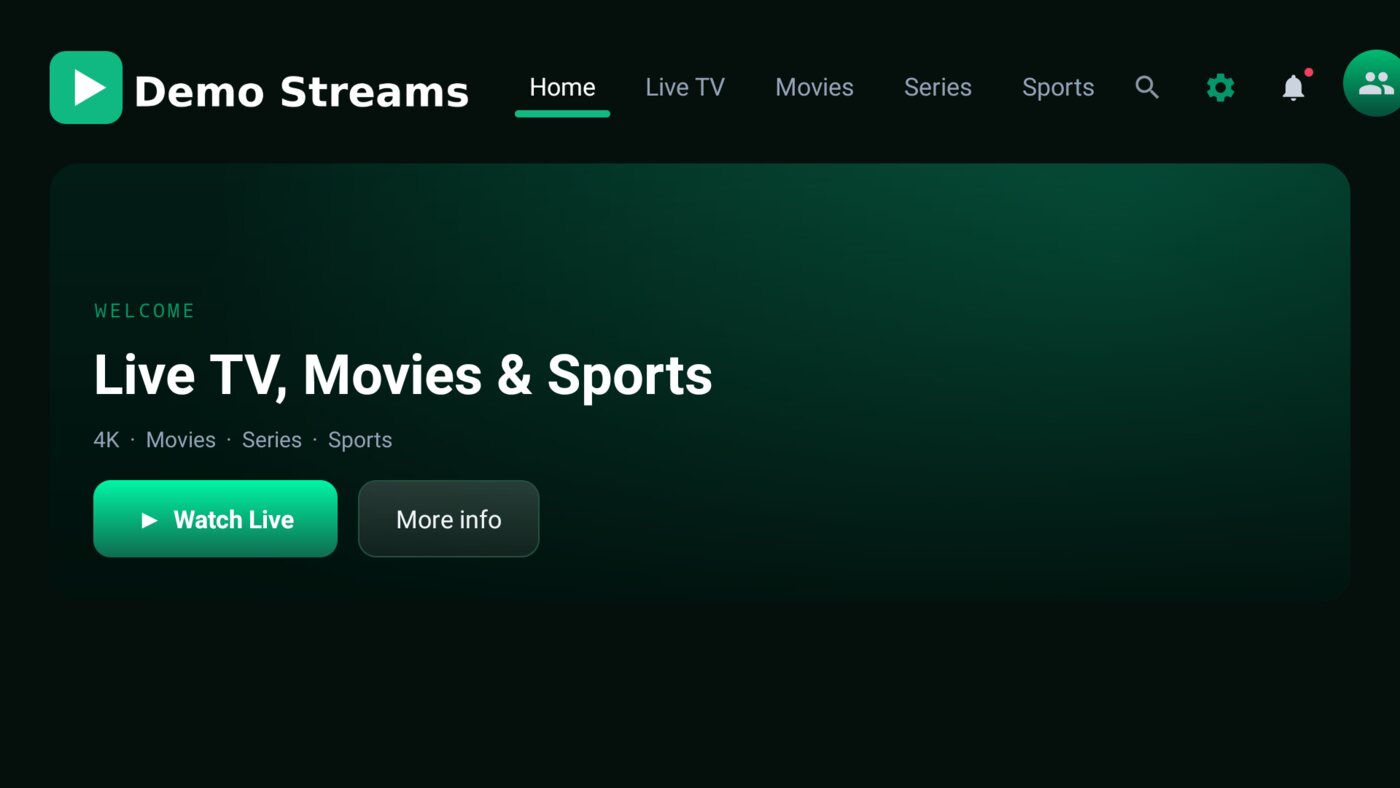
A premium-feeling app with your name on it
Everything your customers expect from the players they already know — built for the remote, and branded as yours from the icon to the sign-in screen.
Live TV that stays on
Categories, search, favourites and recently watched. If a stream drops, the channel reconnects by itself — a TV left on all day keeps playing.
TV guide
A timeline guide with a category rail, a favourites filter and search, built for the remote.
Movies & series
Posters, details and trailers, and resume where they left off on that TV.
Today’s sports
Today’s games by league with one-press tune-in, and a featured game on the Home screen.
Catch-up TV
On channels your panel archives, customers watch a show from the start or jump back to live.
Updates itself
New versions install from inside the app. Your customers never hunt for a new download.
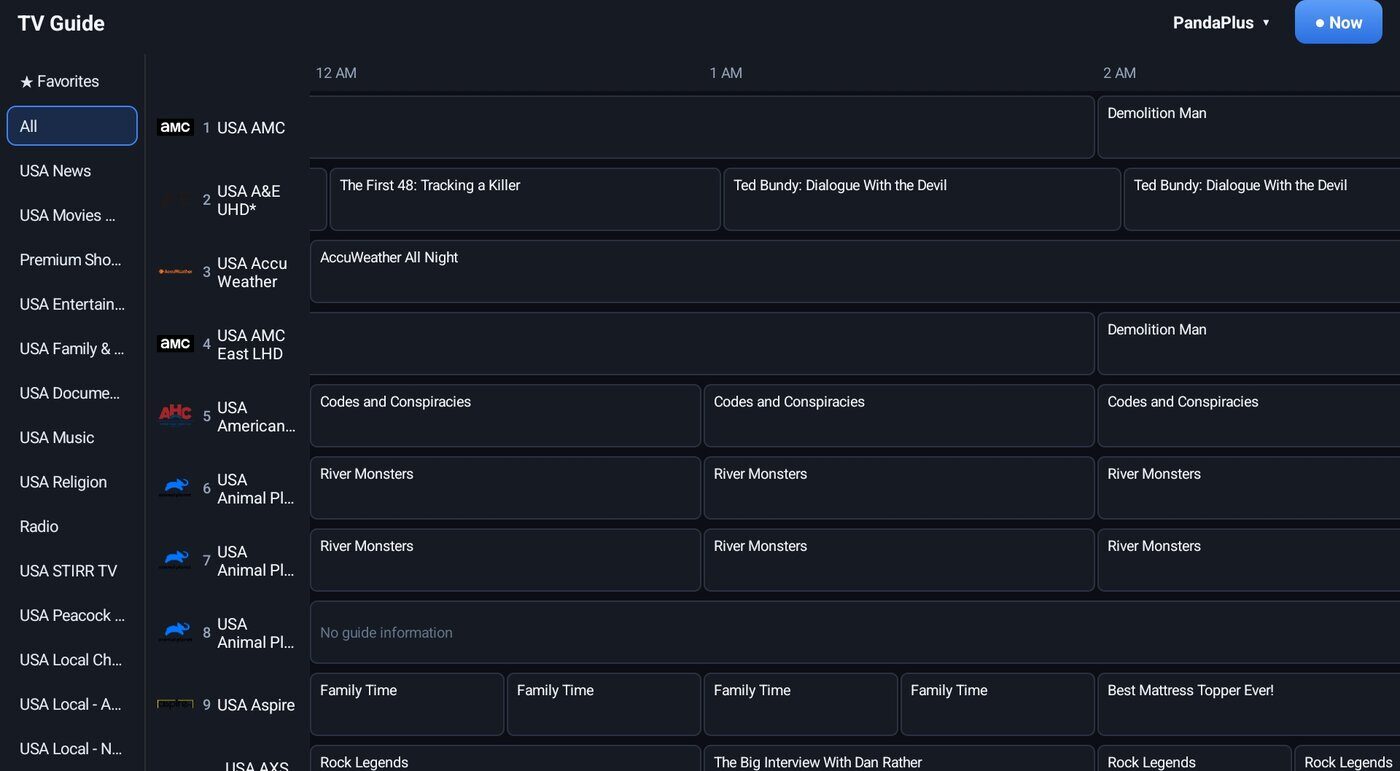
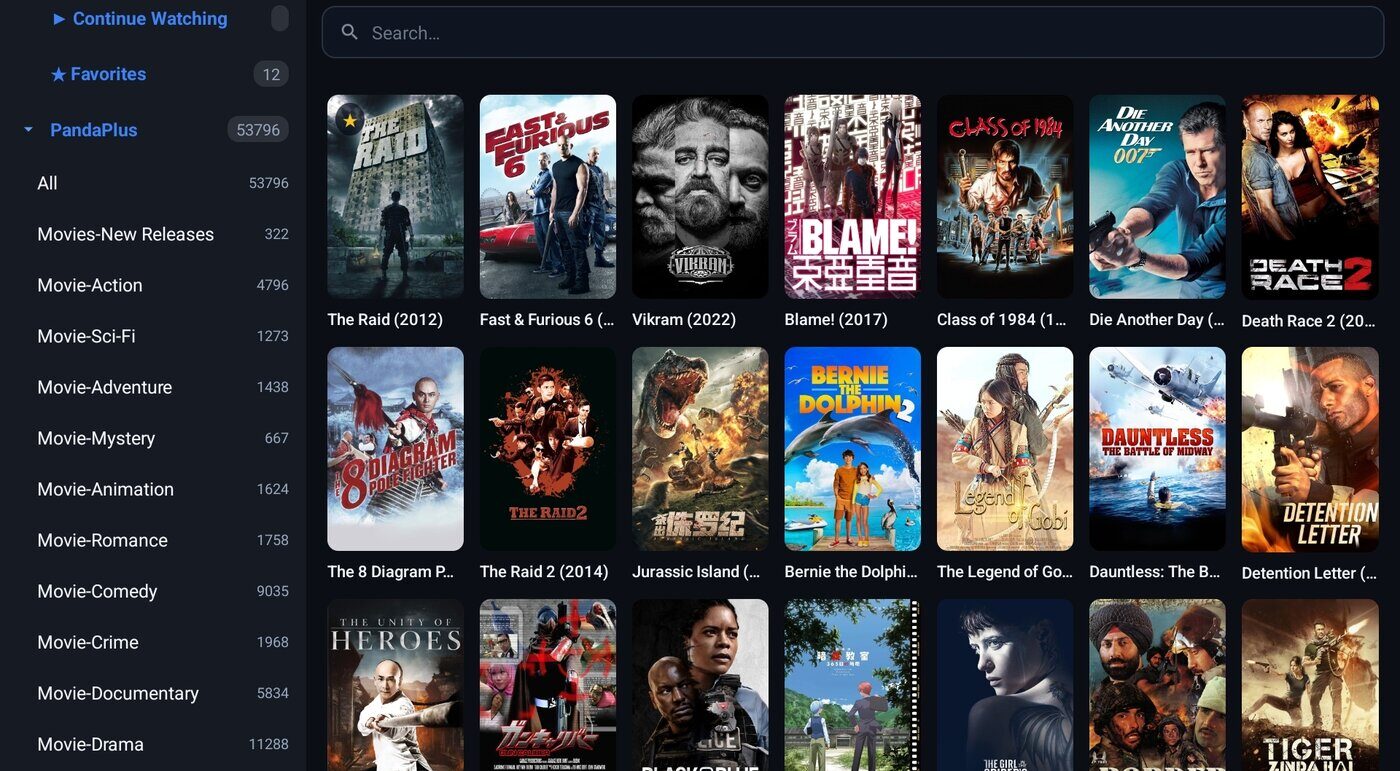
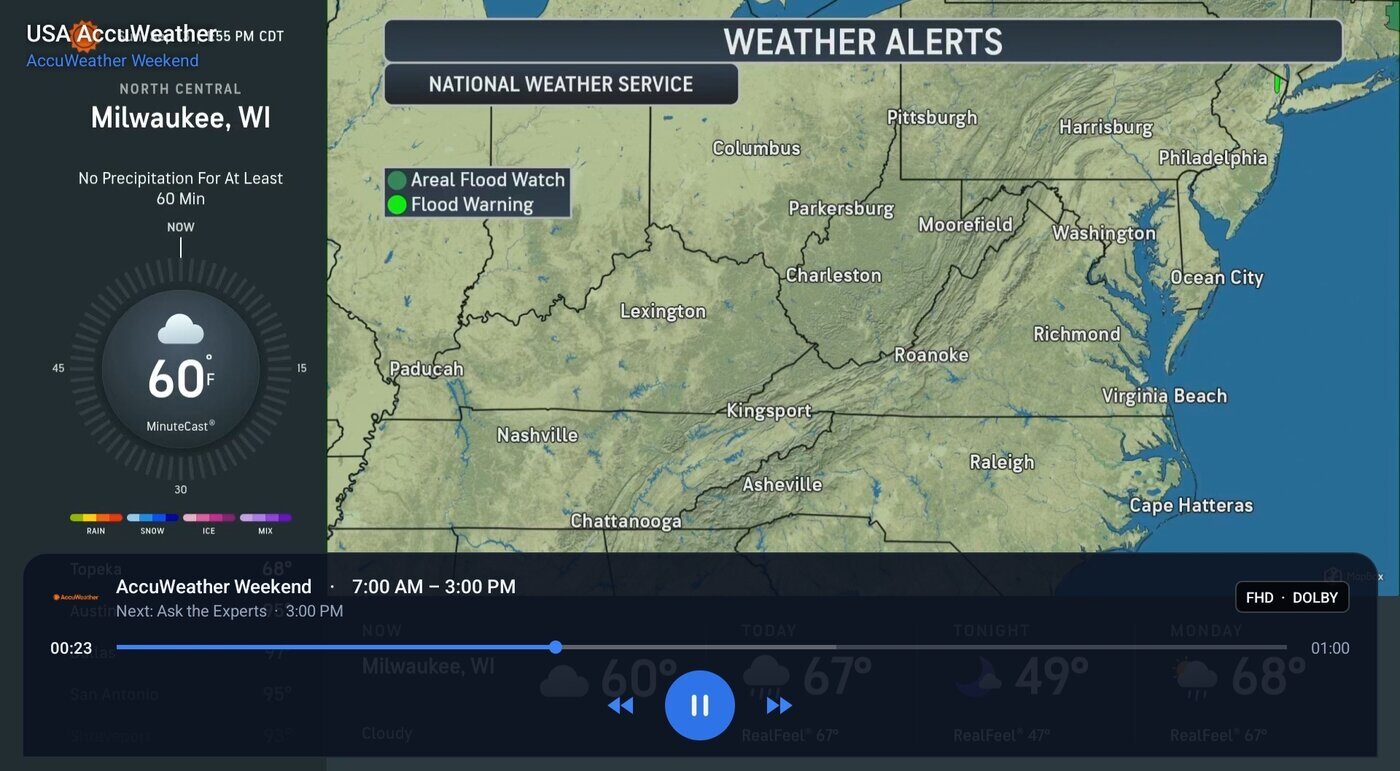
App screens shown in one reseller’s brand.
Run your app from one simple panel
Your own panel at bpanel.iptvbilling.us/yourname. Changes reach your customers’ TVs the next time they open the app — no new download.
- Your playlist servers — customers pick from your list when they sign in; nobody types a server address.
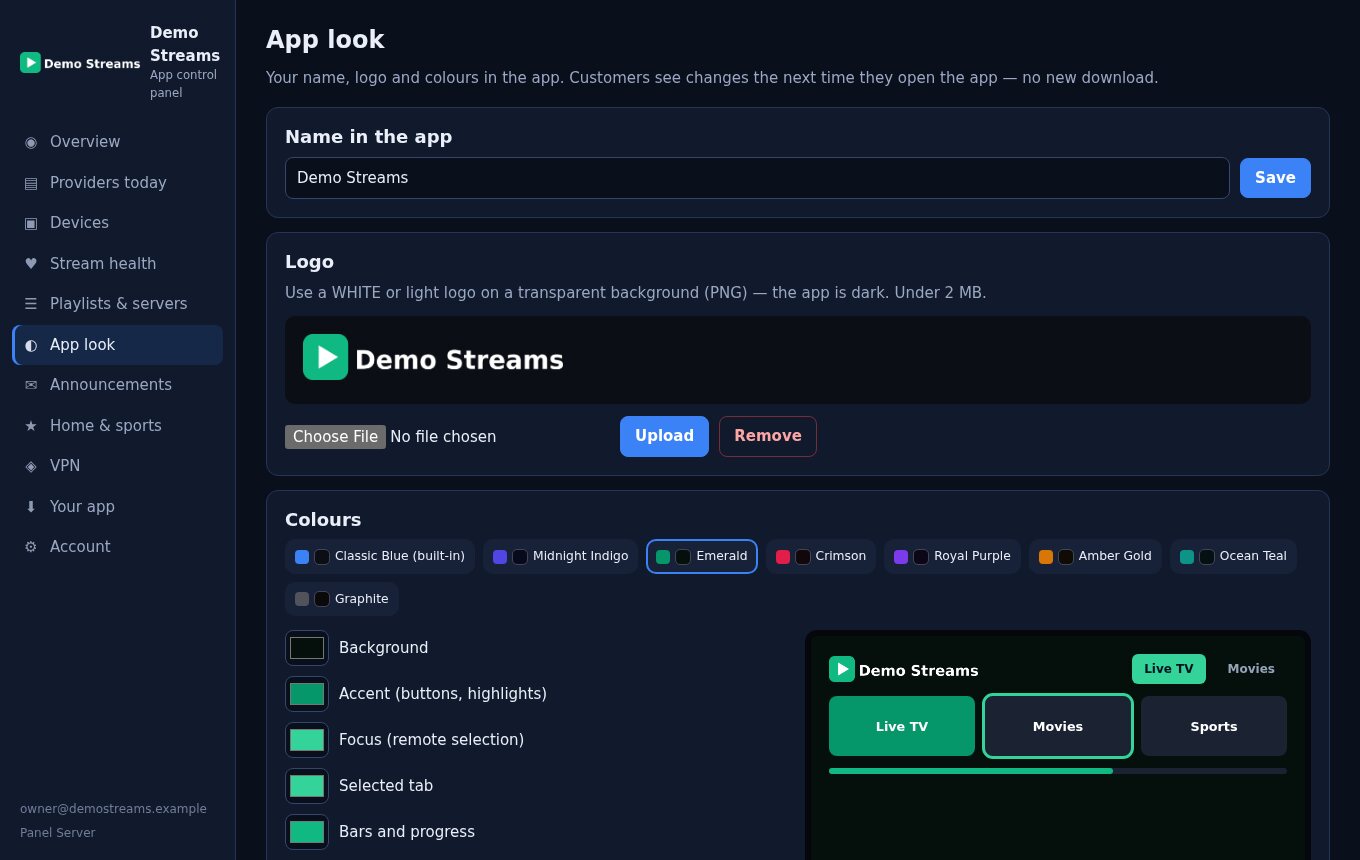
- Your name, logo and colours — eight colour themes or your own.
- Announcements on every TV, from a quick notice to an urgent banner.
- Sports guide and Home rows filled from one of your own lines.
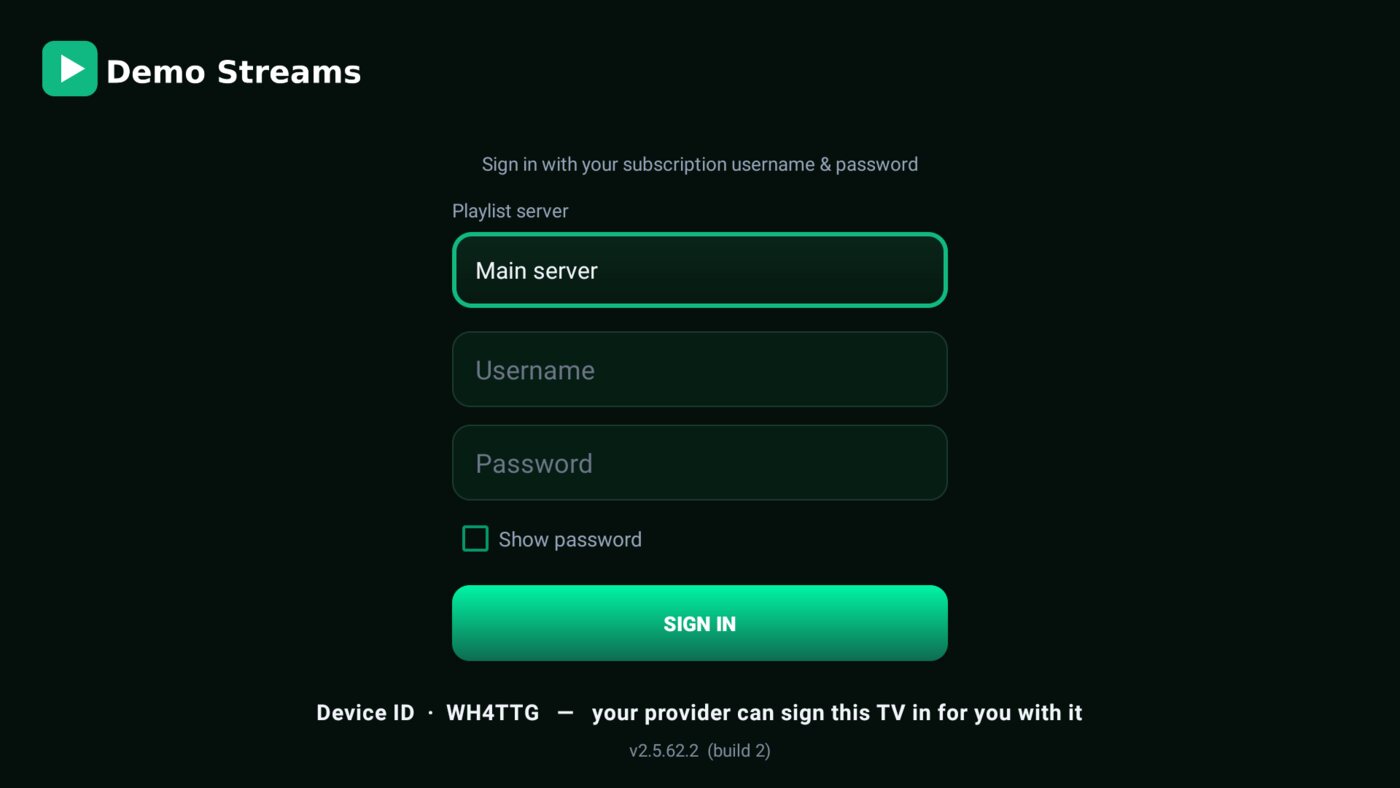
- Sign a customer in for them — type their login against their TV’s Device ID and the TV signs itself in.
See what your customer’s TV saw
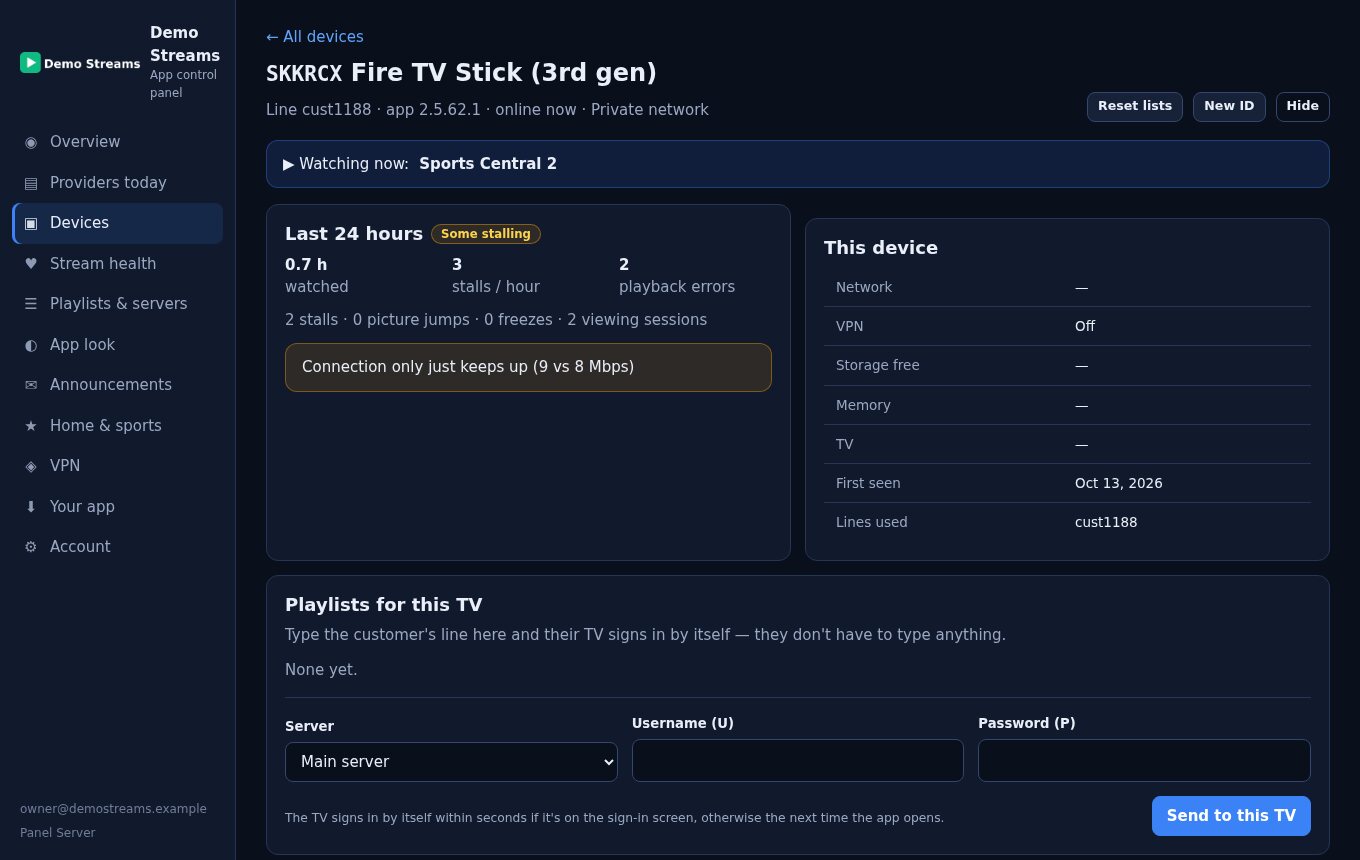
When a customer says “it keeps buffering”, look up their Device ID and see the last 24 hours in plain English — no guessing, no remote-control screenshots.
- Problems in plain English — buffering, frozen pictures, reconnects and playback errors, with a hint on what to try.
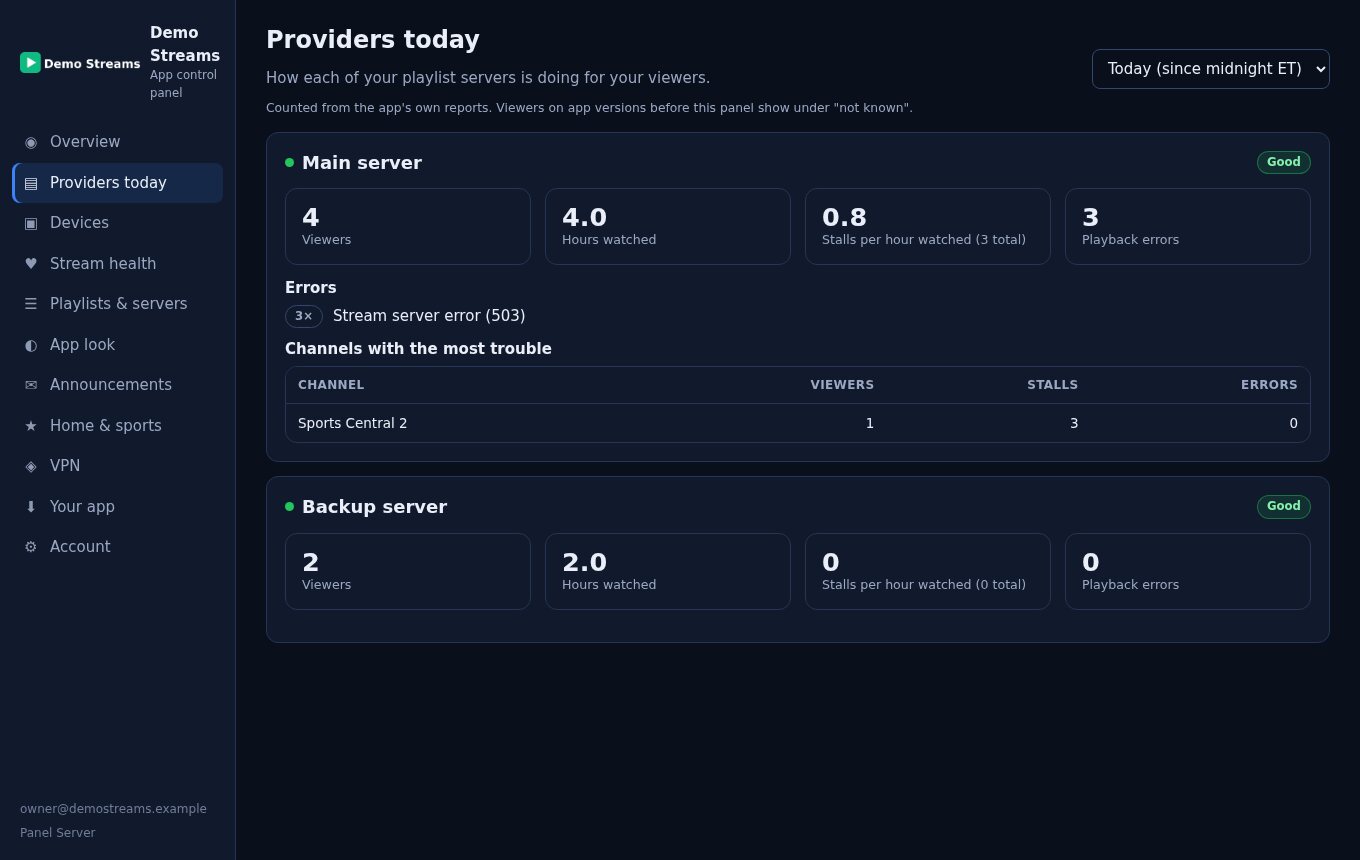
- Providers today — viewers, hours watched, stalls and errors for each of your playlist servers, and the channels with the most trouble.
- Stream health — how your whole audience is watching right now.
Included free in the demo; $20/month after that if you want to keep it.
Live in about a day
Start the free demo
Create your account, pick your app’s name and your panel address. No card needed.
Set up your panel
Upload your logo — it also becomes your app’s icon — then your colours and playlist servers.
We build your app
With your name and logo, usually within one business day. We email you the download address.
Keep it
Buy the app any time — same app, same panel, nothing to reinstall for you or your customers.
Your customers install it with the Downloader app by typing bpanel.iptvbilling.us/yourname.apk — and it updates itself after that.
Own your app. Keep it up to date.
Free demo
Your branded app and your panel, free for 30 days. No card needed. When it ends the app shows “Expired” until you buy it.
Start your free demoStreamCast App
Your app, your panel and every new version while your plan is active. Stop the plan and your app keeps working — it just stops getting new versions.
Buy the appApp Logging
Device lookup with problems in plain English, Providers today and Stream health. Add it with the app, or any time later.
Add App LoggingStreamCast FAQ
Do I need BayFront’s billing system?
No. StreamCast is just the app and its panel. Your customers sign in with the playlist login you already give them. If you want billing as well, IPTV Billing includes a branded app too.
Which panels does it work with?
Playlists that use the standard Xtream Codes login (server, username and password) — XUI One, NXT, Best Panel and most others. You add your servers in your panel; customers pick from your list.
Which devices?
Android TV and Google TV devices, Android boxes, and Fire TV devices that run Fire OS (such as the Fire TV Stick 4K Max). The newest Fire TV sticks that run Vega OS can’t install Android apps.
What happens when the demo ends?
The app shows “Expired” until you buy it. Buy it, even after the demo has ended, and the same app starts working again straight away — nothing to reinstall. We email you three days before the demo ends.
What if I stop the $10 monthly plan?
Your app keeps working for your customers. It just stops getting new versions until you start the plan again.
Can I change my logo and colours later?
Yes. The logo, name and colours inside the app change from your panel the next time customers open it. A new app icon comes with your next app update.
Is there a contract?
No. The monthly plans are month to month — cancel from your account any time.
Put your name on the TV
Start the free 30-day demo today — we build your app as soon as your logo is in.